What this builds
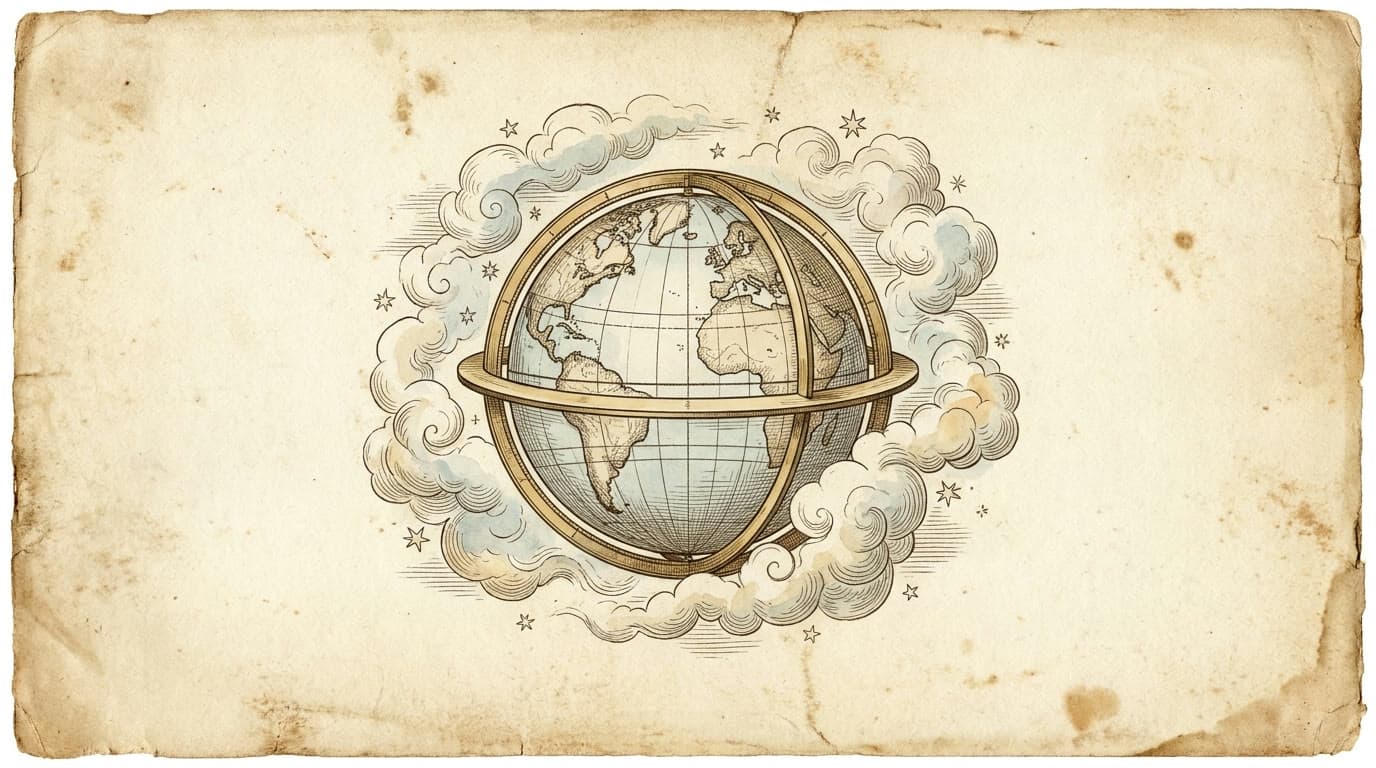
A real-time, interactive 3D Earth: modeled in Blender, exported to glTF, running live in the browser via React Three Fiber. Click any point on the globe and it pauses, drops a pin, and pulls back location, weather, time, and conditions for that exact lat/lng: animated in with monospace slot-machine motion.
Mission-control aesthetic. Loading screen. Mobile fallback. Deployed on Vercel.
Built in an afternoon. Two prompts: one for Blender, one for Claude Code.
Part 0: Blender MCP setup
Before the prompt below works, Claude needs to be connected to your Blender. This is the official Blender Foundation + Anthropic connector, not a community fork.
Requirements
- Blender 4.2 or later, download here
- Claude Desktop app (web won't work for this)
1. Add the Blender connector in Claude
- Open Claude Desktop
Customize → Connectors- Search Blender → click Add
2. Install the Blender add-on
- Open blender.org/lab/mcp-server in your browser, alongside Blender
- Drag the install link from that page into the Blender window
- Blender prompts you to add the lab extension repository. Allow it
- Drag the same link into Blender a second time to install the add-on itself
(Two drags total: first adds the repository, second installs the add-on.)
3. Connect Blender to Claude
- Open your Blender project
- Press N in the 3D viewport to open the right sidebar
- Click the BlenderMCP tab → Connect to Claude
Verify it works. Ask Claude: "What's in my Blender scene?": if it lists your objects, you're connected.
If it disconnects later. Repeat step 3. The N panel → BlenderMCP tab → Connect to Claude is the on/off switch any time.
References: Anthropic's official guide · Blender Lab MCP Server
Part 1: The Blender prompt
Use this in Claude Desktop with Blender MCP connected (see the MCP setup video). Drop it in, hit send, watch Claude write the Python and execute it inside your local Blender.
Build me a realistic Earth scene in Blender using the connected MCP.

Scene specs:

Earth sphere — UV sphere, radius 1, 128 segments, 64 rings, smooth shading. Subdivision surface modifier (level 2 viewport, 3 render). Axial tilt of 23.5° on X.

Earth material (real NASA texture, not procedural):
- Download the Blue Marble color map from https://eoimages.gsfc.nasa.gov/images/imagerecords/73000/73776/world.topo.bathy.200408.3x5400x2700.jpg
- Save to ~/Desktop/earth_textures/earth_color.jpg
- Wire via UV → Image Texture (sRGB) → Principled BSDF Base Color
- Drive Roughness from the texture: oceans smoother (~0.2), land rougher (~0.85). Use a Math node (Greater Than) on the Red channel with threshold ~0.18, then a ColorRamp.

Cloud layer:
- Download from https://eoimages.gsfc.nasa.gov/images/imagerecords/57000/57747/cloud_combined_2048.jpg
- Save to ~/Desktop/earth_textures/clouds.jpg
- Separate UV sphere, radius 1.005, parented to Earth
- Material: Mix Shader (Transparent BSDF + white Diffuse), cloud image's Red channel as mix factor
- Image colorspace: Non-Color. Blend method: BLEND. No shadow visibility.

Atmosphere shell:
- UV sphere radius 1.04, scaled to 0.972 in object mode
- Mix Shader (Transparent + Emission), emission blue (0.40, 0.62, 1.0) at strength 0.25
- Mix factor from a Fresnel node (IOR 1.45) → ColorRamp (positions 0.40 → 0.99)
- Blend method: BLEND. No shadow visibility.

Lighting — single Sun light, energy 2.5, color (1.0, 0.97, 0.92), angle ~2°. Rotated (75°, 0°, 40°) for a visible day/night terminator.

World — pure black, Background strength 0.

Camera — 85mm lens, [0, -6.5, 0.6], aimed at origin. Render 720×720.

Render — Cycles, 64 samples, denoising on, Filmic + Medium High Contrast.

Compositor (bloom):
- scene.render.use_compositing = True
- Create a CompositorNodeTree, assign as scene.compositing_node_group
- Render Layers → Glare (type 'Bloom', quality 'High', threshold 0.85, smoothness 0.5, strength 0.4, size 0.55) → Group Output (Image socket)

Animation — 120 frames at 30fps (4-second loop). Earth rotates 360° around local Z from frame 1 to 121. Linear interpolation. Atmosphere and clouds parented to Earth.

Output:
- Test frame at frame 30 → ~/Desktop/planet_earth_test.png
- PNG sequence → ~/Desktop/earth_anim/frame_####.png
- .blend → ~/Desktop/planet_earth.blend

Give me the ffmpeg command to stitch the frames into MP4.
Gotchas that will save you an hour
- The Blender MCP sandbox blocks
bpy.ops.wm.read_factory_settings(use_empty=True). Usebpy.ops.wm.read_homefile(use_empty=True, use_factory_startup=True)instead. - Blender 5.1 changed several APIs that older tutorials and most LLMs still get wrong:
Material.shadow_methodwas removed.- Compositor:
scene.use_nodes = Trueis deprecated. Compositor is now a separate NodeTree assigned viascene.compositing_node_group. There's noCompositorNodeCompositeoutput node, useNodeGroupOutputand add anImageoutput socket to the group's interface. - Glare node settings (Type, Quality, Threshold, Strength, Size) are now input sockets, not properties. The Type enum is display-cased:
'Bloom'not'BLOOM'. - Action f-curves are now layered:
action.layers[i].strips[j].channelbag(slot).fcurves.
- Many Mac Blender builds don't ship FFmpeg compiled in. Render to a PNG sequence and stitch externally:
cd ~/Desktop/earth_anim
ffmpeg -framerate 30 -i frame_%04d.png -c:v libx264 -pix_fmt yuv420p -crf 18 ~/Desktop/planet_earth.mp4
- The MCP tool call has a ~4-minute timeout. A 120-frame Cycles animation will exceed it and the tool returns an error, but Blender keeps rendering. Watch the folder fill up.
- The Blue Marble image you'll find via Google is usually the finished globe photo, not the texture map. You need the equirectangular projection (the flat 5400×2700 rectangle). The URL above is the right one.
Part 2: The website
The Blender file is great as a render. Putting it on a website turns it into a demo, proof you can take a thing from 3D software to a real product surface.
Approach
Export the Blender scene to glTF. Load it in the browser via React Three Fiber. Three.js renders it live. You keep the Blender authorship (mesh, UVs, animation track) and rebuild only what glTF can't carry (the procedural atmosphere shader → ~30 lines of GLSL).
This is genuinely "Blender → web," not "website inspired by Blender."
Stack
Next.js 14 (App Router) · React Three Fiber · drei · TypeScript · Tailwind · Three.js
Free APIs for the click-to-scan feature: BigDataCloud (reverse geocoding) + Open-Meteo (weather + timezone). No keys needed.
Step 1: Export from Blender
In Blender's scripting tab:
import bpy, os

bpy.context.scene.frame_set(1)

# Pack textures into the .blend so glTF embeds them
bpy.ops.file.pack_all()

out_path = os.path.expanduser("~/Desktop/planet_earth.glb")

bpy.ops.export_scene.gltf(
    filepath=out_path,
    export_format='GLB',
    export_animations=True,
    export_animation_mode='ACTIONS',
    export_apply=False,         # don't apply modifiers — kills UVs
    export_cameras=False,
    export_lights=False,        # we'll add lights in Three.js
    export_yup=True,
    export_image_format='AUTO',
    export_materials='EXPORT',
)
Move the resulting planet_earth.glb into the Next.js project at public/models/planet_earth.glb.
Step 2: The Claude Code prompt
After setting up a Next.js 14 project and dropping the .glb in public/models/, hand this off to Claude Code:
Build a single-page Next.js site that loads /models/planet_earth.glb and renders it as an interactive 3D Earth.
Stack: Next.js 14 App Router, React Three Fiber, drei, Tailwind, TypeScript.
Install:
npm install three @react-three/fiber @react-three/drei
npm install --save-dev @types/three
Aesthetic: mission-control / satellite ground station. Pure black background. Mono font for telemetry, sans-serif for hero, Instrument Serif italic for emphasis words. Color palette: white, white/60, white/30, plus a muted blue (#7aa8ff) for the atmosphere glow.
The Earth (components/Earth.tsx):
- Canvas with camera at [0, 0.3, 3.6], fov 45, dpr [1,2]
- Pure black background, alpha false
- ambientLight 0.45 + directionalLight at [2,1,4] intensity 2.2 + soft blue rim from behind
- Use useGLTF to load the glb. Walk the scene and:
- hide any meshes named 'Atmosphere' or 'Clouds' (we render our own)
- convert Earth's MeshStandardMaterial to MeshLambertMaterial (kills specular glare)
- remove any embedded lights
- Re-create the atmosphere as a custom ShaderMaterial: scale 1.025, FrontSide, AdditiveBlending, transparent, depthWrite false. Vertex shader passes view direction. Fragment: float fresnel = 1 - abs(dot(N,V)); pow(fresnel, 3.5) for glow color, pow(fresnel, 4.0)*0.8 for alpha. Color uniform set to (0.45, 0.7, 1.0).
- Play the embedded glTF rotation animation at timeScale 0.08 (slow, real-Earth feel)
- OrbitControls with enableZoom=false, autoRotate=false
- Render a procedural starfield (2000 random points on a 50-unit sphere) using <points> and pointsMaterial size 0.1
Click-to-scan flow:
- onClick on the Earth primitive: convert hit point to mesh-local space (mesh.worldToLocal), then to lat/lng via spherical math
- Lift state to the page: paused, pinLocal (Vector3 in mesh-local space), info (PinInfo)
- When clicked, set paused=true (set animation timeScale to 0), drop pinLocal, fetch reverse-geocode + weather in parallel
- Pin: a small white sphere + an animated cyan ring tangent to the surface, both children of the Earth mesh so they inherit rotation. Pulse the ring with sin(time*3).
Reverse geocoding: https://api.bigdatacloud.net/data/reverse-geocode-client?latitude={lat}&longitude={lng}&localityLanguage=en
Weather: https://api.open-meteo.com/v1/forecast?latitude={lat}&longitude={lng}¤t=temperature_2m,weather_code,wind_speed_10m&timezone=auto
Weather code map (number → string): include the full Open-Meteo WMO weather code mapping (0=Clear sky, 1=Mainly clear, 2=Partly cloudy, 3=Overcast, 45/48=Fog, 51/53/55=Drizzle, 61/63/65=Rain, 71/73/75=Snow, 80/81/82=Showers, 95/96/99=Thunderstorm).
Slot-machine animation (components/SlotNumber.tsx):
- Component takes value: string, duration: number, className: string
- Each character cycles through random characters from charPool '0123456789ABCDEFGHJKLMNPQRSTUVWXYZ.°-:'
- Settle threshold per slot: 0.3 + (i / target.length) * 0.7 — staggered left-to-right
- Use requestAnimationFrame, NOT setInterval
Info panel (only shown when pin is active):
- Bottom-left, 420px wide, border border-white/15, bg-black/40, backdrop-blur-md
- City name (slot animated, large), country (slot animated, small)
- 4×2 grid of fields: Latitude, Longitude, Local time, Timezone, Conditions, Temperature, Wind, Status
- Local time updates every second via setInterval, formatted with toLocaleTimeString in the resolved timezone — uses tabular-nums, doesn't slot-animate (would be visually noisy)
- Close button + 'resume orbit ↻' button
Hero copy (only shown when no pin):
- Bottom-left, max-w-xl
- Eyebrow: '— DEEPIKA RAO · BENGALURU' in 10px tracking-[0.35em] uppercase
- H1: 'I build small things\nthat look big.' with 'small things' and 'big' in Instrument Serif italic
- Two paragraph blocks of ~2 lines each
- Hint: '◇ click anywhere to scan that location' in mono
Top bar — 'Deepika.builds — ground station' (left), 'Lat 12.97° N · Lng 77.59° E' + 'all systems nominal' with pulsing emerald dot (right). Ten-px tracking-wide uppercase mono.
Loader (components/Loader.tsx):
- Fixed inset-0 z-50, takes over on first load
- 5 phases: Establishing uplink (600ms) → Decoding telemetry (800ms) → Loading surface texture (1100ms) → Calibrating atmosphere (700ms) → Locking orbit (500ms)
- Shows percentage, phase label, white progress bar, randomly cycling hex stream, phase counter (1/5), 'loading the planet · approx. 12 MB' caption
- Uses requestAnimationFrame. Calls onDone() when complete.
Mobile nudge (components/MobileNudge.tsx):
- Only shown if window.innerWidth < 768
- Fixed bottom-4, dismissible via close button
- 'Best viewed on desktop. Open this on a bigger screen for the full thing.'
- Persist dismissal in sessionStorage so it doesn't pester
Load Instrument Serif from Google Fonts in app/layout.tsx via standard <link> tags. Font family: 'Instrument Serif', italic 0;1.
No navbar. No forms. No section beyond the hero.
Build it, run npm run dev, give me the URL.
Part 3: Deploy to Vercel
From the project directory:
# 1. Initialize git
cd ~/Desktop/earth-website
git init
git add .
git commit -m "Initial commit"

# 2. Create a GitHub repo and push (using gh CLI)
gh repo create earth-website --public --source=. --remote=origin --push

# 3. Deploy to Vercel
npm i -g vercel
vercel
Vercel auto-detects Next.js. The .glb in /public/ ships as-is (12 MB). The loader covers the wait.
Things I'd push back on if I were reading this
"Why not just use a video?" A video is a video. The interactive globe is the proof, that the asset I built in Blender is actually rendering live, that I can build something more ambitious than a screenshot. The interactivity (pause + click + fetch real data) is what turns a tech demo into a portfolio piece.
"The .glb is 12 MB. That's huge." Yes. But hiding the load behind a thematic loader (mission control countdown) is more interesting than optimizing it down to 2 MB and pretending the wait isn't there. Choose your tradeoffs.
"Why mission control?" Because the design needs a metaphor that reconciles the planet (looks like satellite imagery) with the data UI (real-time geocoding + weather feels like a console). 'Ground station Bengaluru' makes the whole thing cohere.
April 2026 · One afternoon · Blender + Claude Code